Fight Fire With DFIRe.
DFIRe is case management for digital forensics and incident response. Handle investigations, incidents, evidence with chain of custody, indicator enrichment, compliance deadlines and professional-grade reports, all in one intuitive platform. DFIRe runs in your own infrastructure by default, without vendor access. No seat limitations, no feature tiers.
v1.9.0 · Changelog · 90-day trial · Docker Compose · PostgreSQL 16+ · Linux host
Self-hosted only
Runs on your servers, behind your firewall. No case data leaves your infrastructure.
No seat limits
One licence covers the whole deployment, whatever the number of users, cases or features you use.
Air-gap capable
Works in isolated networks with no outbound connectivity required.
Playbooks included
DFIRe ships with default playbooks for fifteen common case types. Customize the existing playbooks or create your own from scratch.
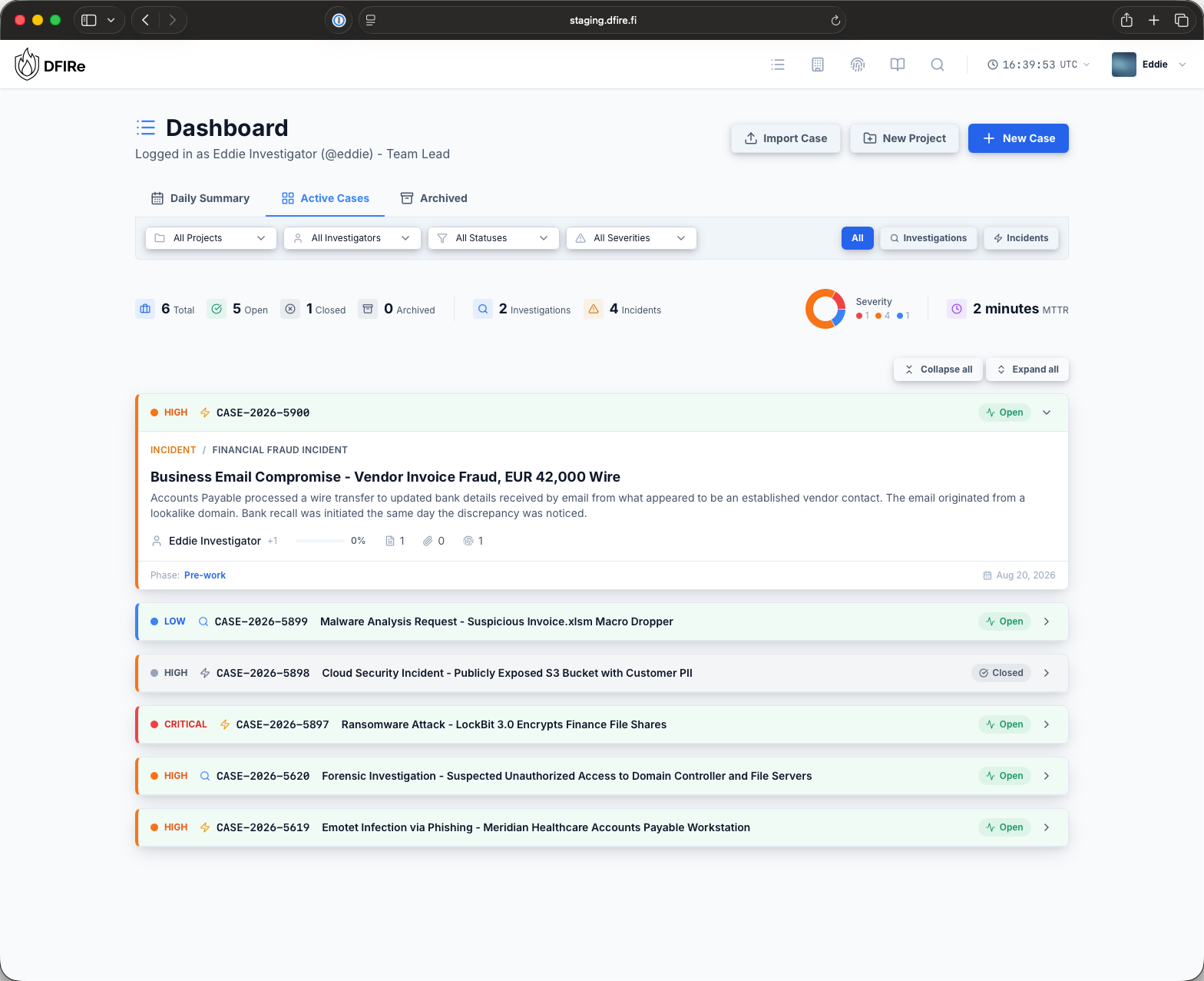
One record from first alert to final report.
Keep your case information organized. Assign actions, keep notes, store indicators of compromise, attach files and write the report on the same platform.
01 / Evidence
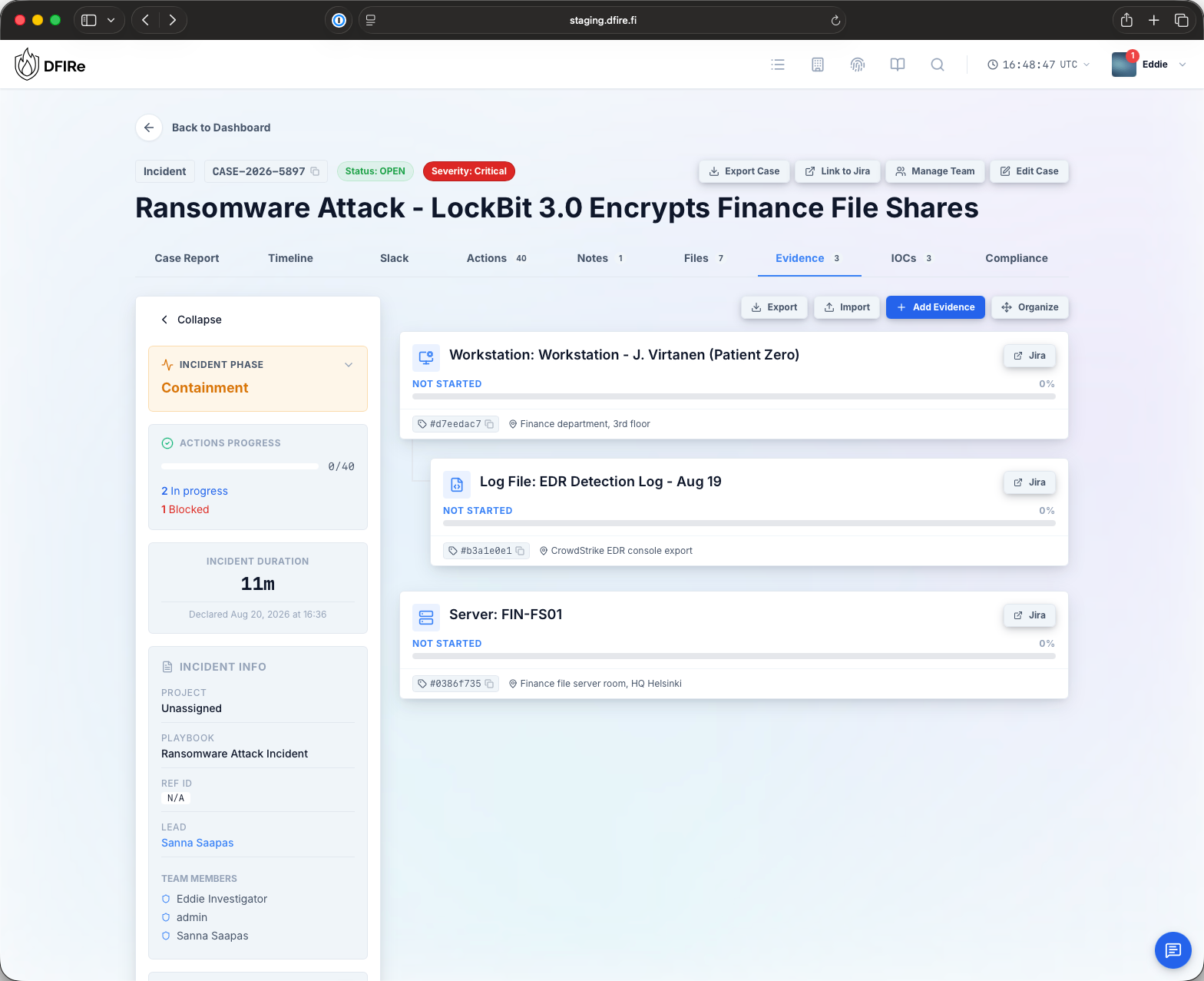
Chain of custody with proof
All your case evidence in one hierarchy, with configurable attributes and a verifiable custody record. Build and attach runbooks to cover common workflows with confidence. Attach files and notes to all your evidence items, and organize hierarchically.
- Printable custody receipts and transfer records
- AES-256 encrypted storage with per-case and per-item keys
- Direct-storage tier for forensic images too large to encrypt in-app
02 / Response
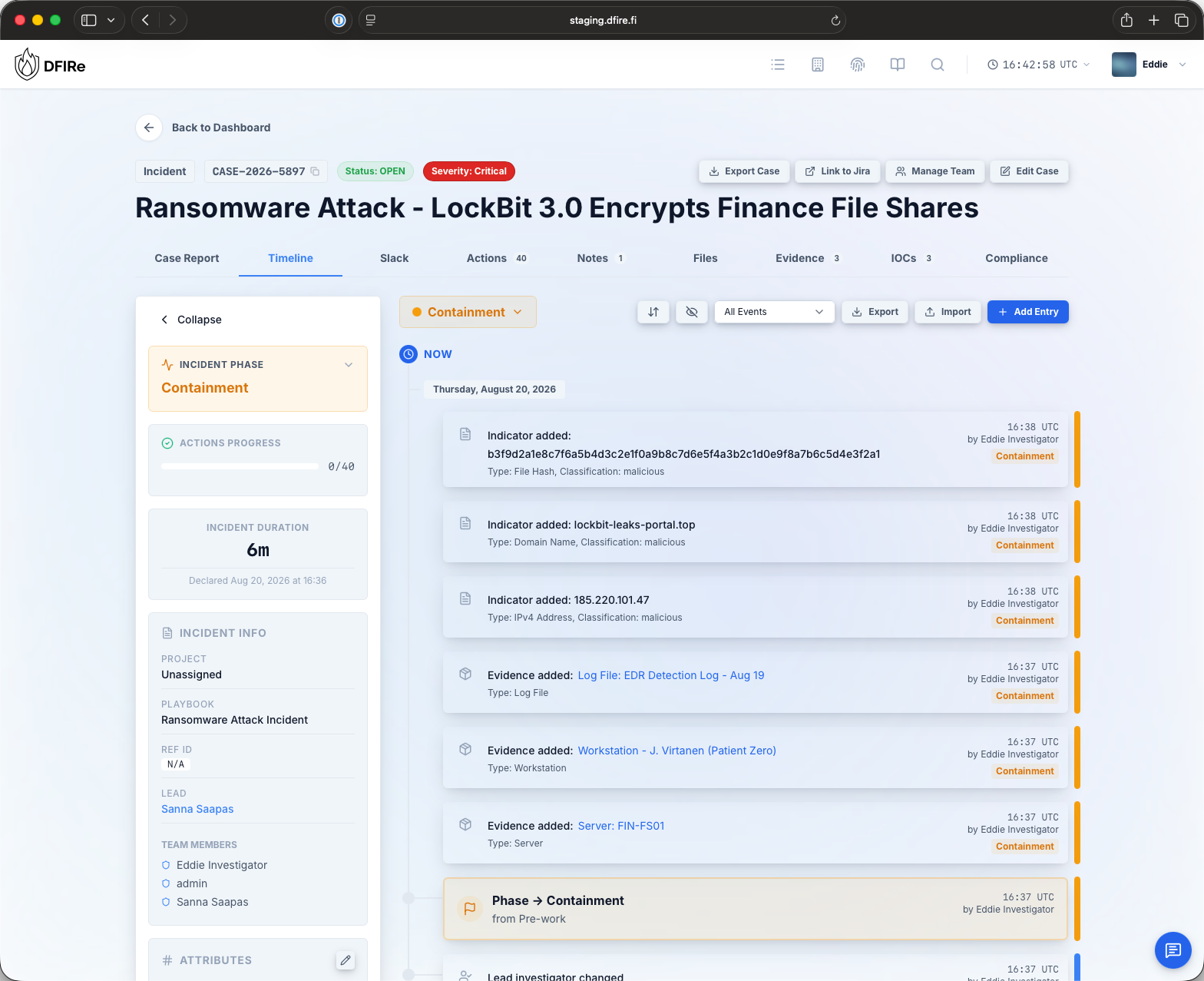
Phases, Actions and Timers
Track a case from opening to closing through recovery with phase-based actions and action tracking. Set compliance timers to keep track of regulatory deadlines, or track other deadlines like SLAs.
- Playbooks with sane defaults, editable per case type
- Webhooks on actions for SOAR and SIEM automation
- Slack coordination with inline action controls
03 / Intelligence
Share indicators with your CTI
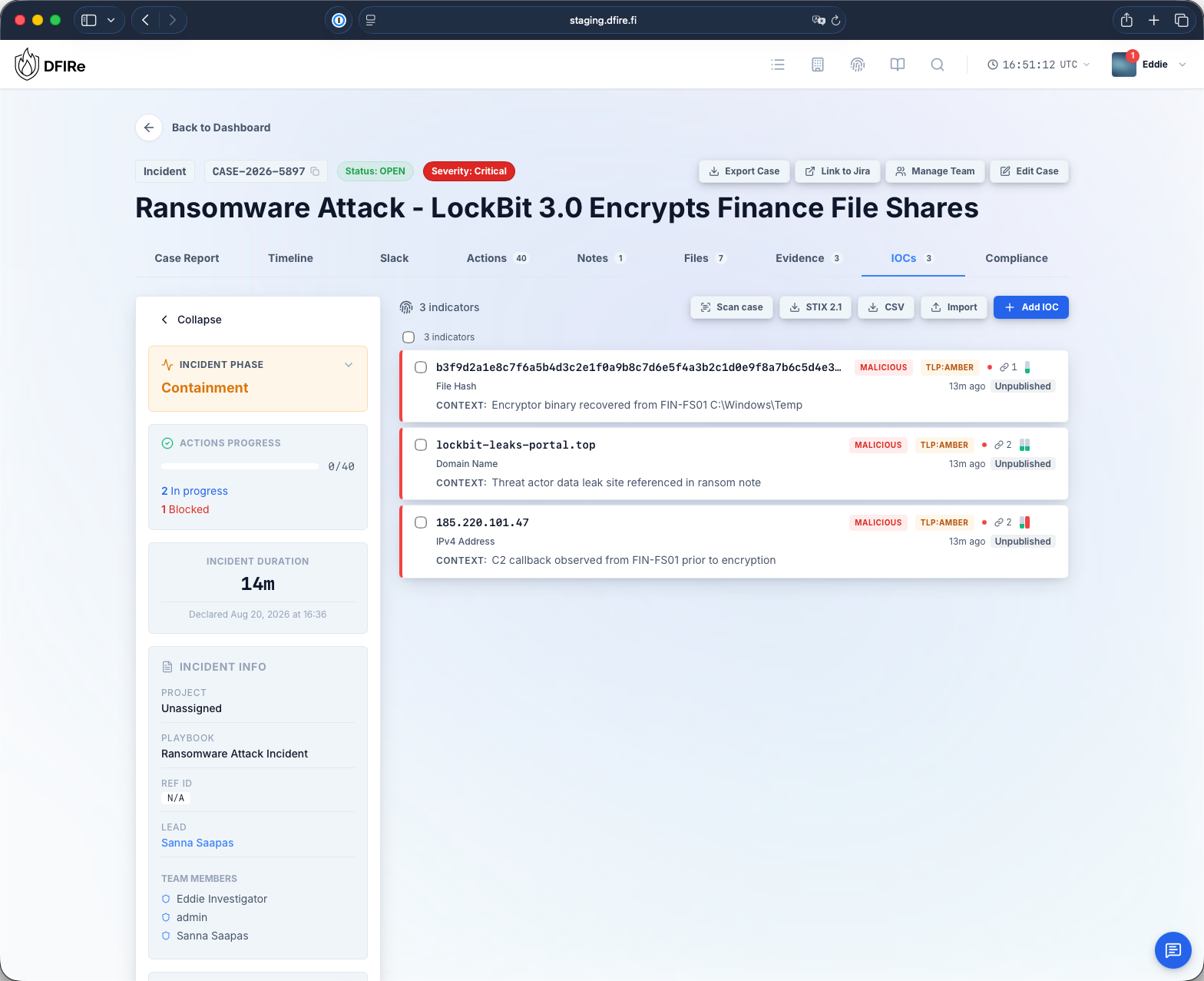
A built-in IOC registry across all STIX 2.1 types, enriched with your own API keys from VirusTotal, AbuseIPDB, AlienVault OTX, Google Safe Browsing, GreyNoise, MalwareBazaar, MISP, Shodan, Spur, ThreatFox, URLhaus and urlscan.io, plus DNS and WHOIS lookups that need no key. Publish and share indicators to supported CTI systems with MISP and TAXII integrations.
- Hierarchical decomposition of composite indicators
- Cross-case correlation on first sighting
- TAXII 2.1 server and MISP feed for consumers
Capabilities
All features →Case management
Custom case types, severities and assignments. Triage cases escalate into full incident response without losing history.
Compliance timers
Deadline tracking for breach notification and other statutory reporting, with your own timer definitions and reminders.
Encrypted storage
AES-256 with a three-layer key hierarchy for attachments up to 4 GB. Larger images stream to S3, SMB, SFTP or local disk.
Reports
Structured sections with a QA workflow, generated evidence inventories, and optional LLM drafting from the provider you choose.
API, webhooks and MCP
Per-user API keys with full OpenAPI docs, templated outbound webhooks, bidirectional Jira sync, and an MCP server for agents.
Audit and access
OIDC single sign-on, role-based permission groups, and a fail-closed audit log that can forward to your SIEM.
Deploy it in minutes.
The installer downloads a release-pinned, verified Compose bundle and generates the secrets and configuration for you.
Step 1 / download
curl -fsSL https://dfire.fi/install.sh -o install.shStep 2 / run
chmod +x install.sh && ./install.shThe script walks through configuration and starts the services. Production binds to localhost for your own HTTPS reverse proxy; plain HTTP on 8080 is an explicit evaluation choice. Air-gapped and custom deployments start from the deployment docs.
Requirements
- Docker 24.0+ and Compose 2.24.4+ on a Linux host
- 4 GB RAM minimum, 8 GB recommended
- 20 GB disk for the application
- PostgreSQL 16+ for production, self-hosted or managed. A local container is bundled for testing
- Evidence storage on S3-compatible, SMB/CIFS, SFTP or local filesystem
One licence, whole deployment.
Price does not move with seat count, company size or which features you switch on.
Non-commercial
Free
Granted case by case
- Individual, student and educational use
- Small charities and community efforts
- All features included
Annual licence
9,900 EUR / year
VAT 0%, added per EU rules
- Unlimited users and cases
- Single production deployment
- Convertible to an offline licence
- Starts with a 90-day trial
Small teams
Let's talk
Smaller team or tighter budget
- Custom pricing for small organisations
- Same deployment model and features
- Unlimited cases